
Why Email Signatures Matter More Than Most Teams Think
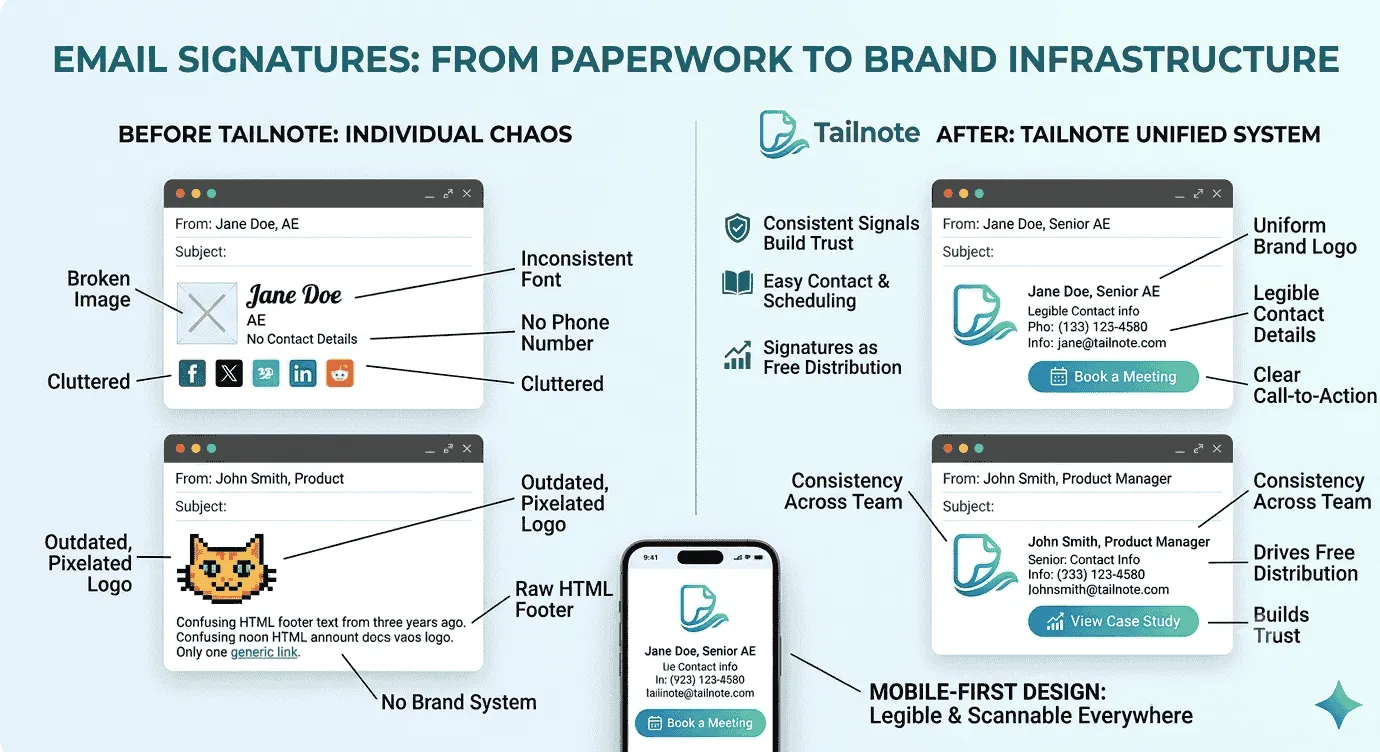
Most people treat email signatures like paperwork. You set them once, add a logo, maybe a phone number, and move on.
That makes sense if your team sends a handful of emails a day and nobody really cares what they look like. But if you run a business, especially a small one, your email signature is doing more work than you probably realize.
Every email is a tiny piece of your brand. It is a first impression, a trust signal, and sometimes the last thing someone reads before they decide whether to click, reply, or ignore you. That matters because your signature is part of the message.
A lot of teams think of the email body as the only place that matters. But the signature is sitting at the bottom of every message, quietly reinforcing a few things:
Who you are
What company you work for
Whether the business looks legit
Whether the sender is easy to contact
Whether there is a next step
If your signature is clean and consistent, it makes the email feel more professional. If it's broken, cluttered, outdated, or inconsistent from person to person, it creates friction.
Sometimes that friction is tiny. Sometimes it is enough to make someone hesitate. Consistency builds trust
The biggest issue with email signatures is not that they look bad in isolation. It's that they are often all over the place.
One person has a logo. Another does not.
One person uses a Gmail default signature. Another pasted in some random HTML from three years ago.
One person has six social icons, four links, and a giant disclaimer.
Another has nothing but a name.
That inconsistency is more noticeable than most teams think.
People may not consciously say, “this company’s signatures are inconsistent.” But they do feel it. And trust is often built from a dozen small signals rather than one big one.
Signatures are free distribution. This is the part that gets overlooked most.
Your team already sends emails.
Support emails.
Sales emails.
Intro emails.
Follow-ups.
Hiring emails.
Partner emails.
Each one is an impression.
That means the signature can do more than identify the sender. It can also help move people somewhere useful.
A signature can point to:
Product page
Booking link
Case study
Blog post
Webinar
Hiring page
Newsletter signup
That is not aggressive marketing. It's just using the real estate you already have.
For a small team, that matters because you probably do not have a giant ad budget, but you do have email.
Good signatures reduce confusion. A good signature makes it easier for people to do the next thing.
Need to call someone? The number is there.
Need to verify the sender? The company name is there.
Need to learn more? The website is there.
Need to book time? The link is there.
That sounds basic, but basic is usually what wins. People are busy. The easier you make it to understand who sent the email and what to do next, the better.
Mobile makes bad signatures obvious. A signature that looks fine on a desktop can fall apart on mobile. And a lot of people read email on their phones first. That means tiny text, oversized logos, weird spacing, and stacked icons become a problem fast.
A signature does not need to be flashy. It needs to be legible. If somebody has to pinch and zoom to read your contact details, that is not a good signature.
The best signatures feel simple
A strong signature usually does a few things well:
It's easy to scan
It uses the same style across the team
It has clear calls to action
It looks good on mobile
It doesn't fight the email itself
You do not need to cram every possible link into it. In fact, less is usually better. The more you try to make a signature do, the more likely it is to feel like a banner ad.
Small teams benefit the most. Big companies often have layers of approval, brand teams, IT, and compliance. Small teams usually don't.
That means signatures get left to individual taste. And individual taste is not a system. That's why small teams are often the ones with the biggest opportunity here.
A good signature system lets a team look more polished without turning email setup into a project.
Email signatures are not a tiny design detail; they're part of your outbound brand. They help people trust you, recognize you, and take the next step. And most of all, they need to be deliverable.
If your team sends a lot of emails, the signature is not decoration. It is infrastructure.
And if it is broken, stale, or inconsistent, you feel it in ways that are hard to measure but easy to notice.
That is why it matters.
Newsletter
Email branding tips for small teams
Signature best practices, deliverability guides, and product updates — no spam.
This site is protected by reCAPTCHA and the Google Privacy Policy and Terms of Service apply.

Tailnote Team
Email branding & deliverability
Practical guides on email signatures, deliverability, and branded outbound email for solo founders and small teams.
Related reading
More guides on email signatures, deliverability, and team branding.
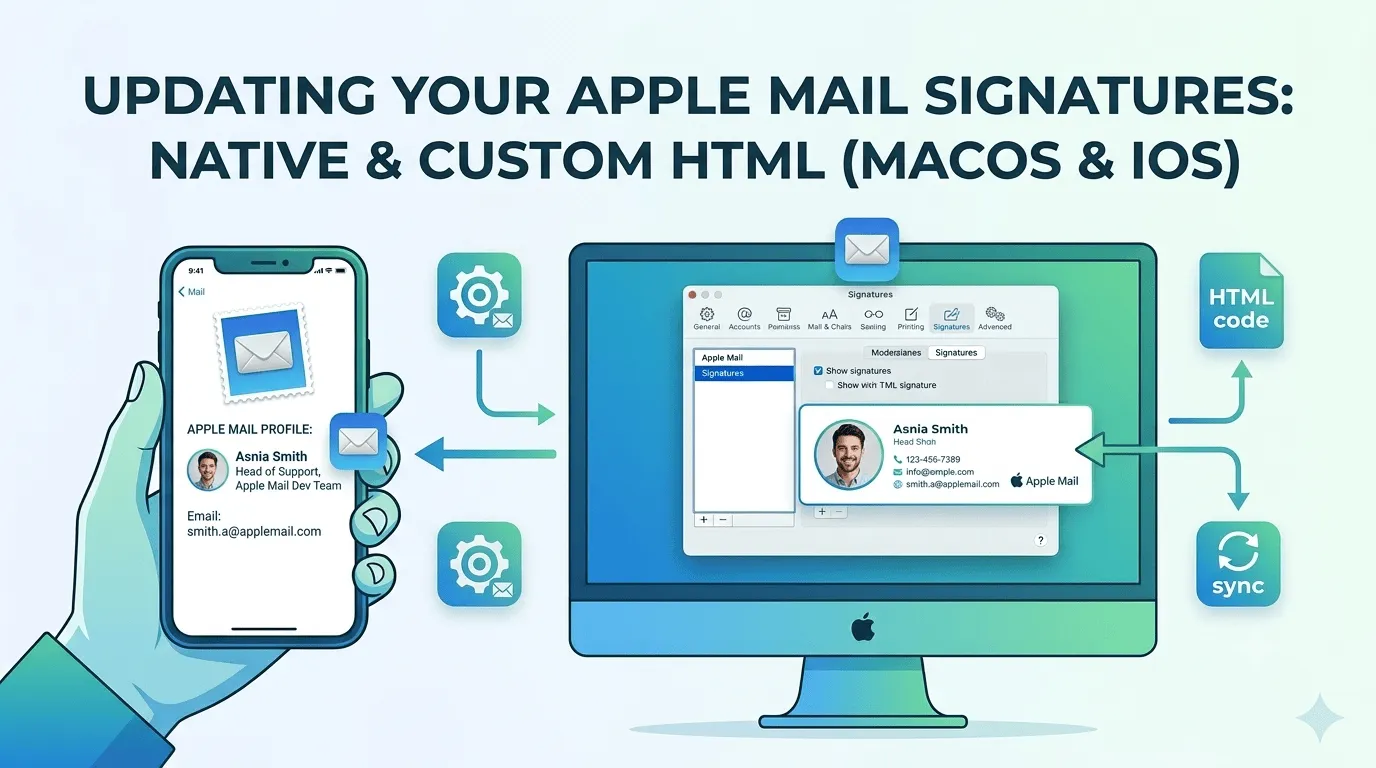
How To Setup A Custom Email Signature In Apple Mail
Updating your email signature is simple in some email clients and more difficult in others. Apple Mail is one that's on the more difficult side, especially if you want to implement a custom HTML signature. This article gives you step-by-step...
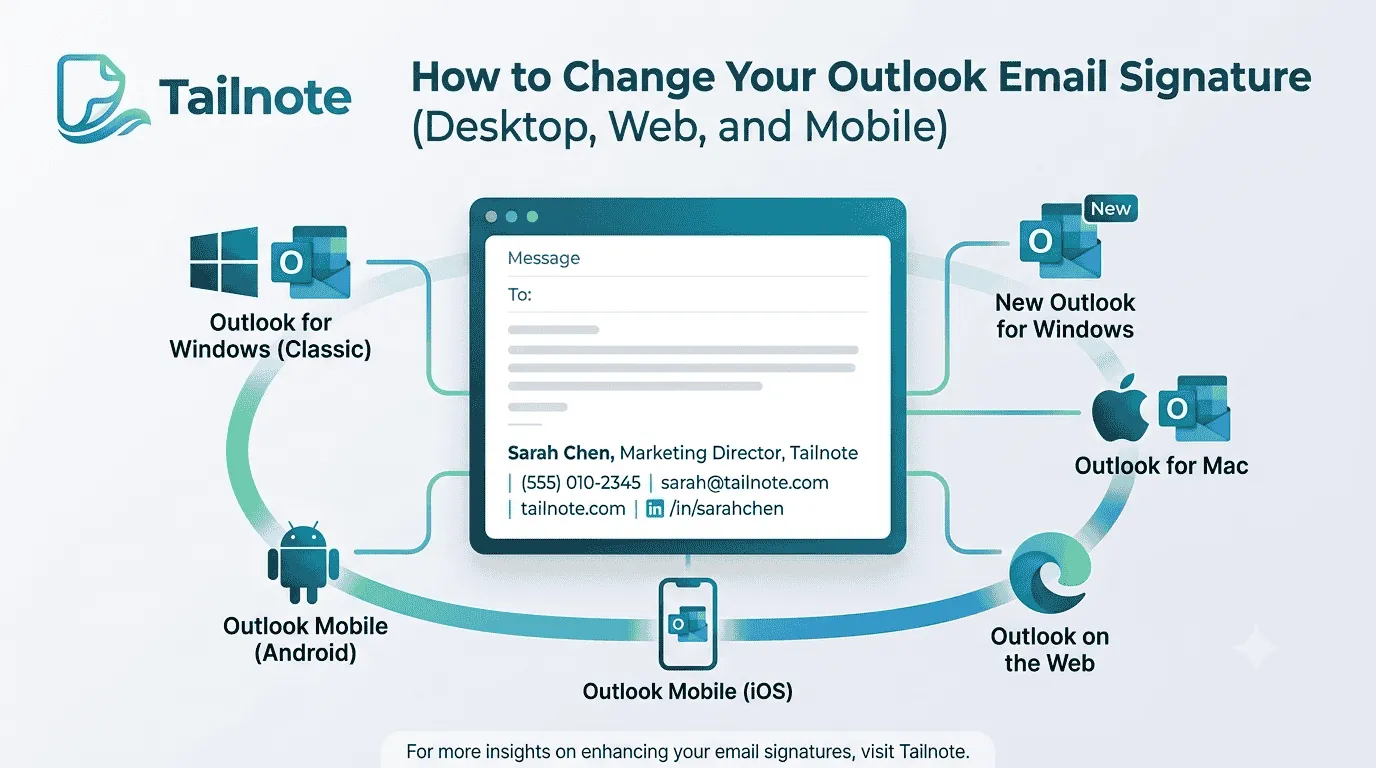
How to Change Your Email Signature in Outlook (Desktop, Web, and Mobile)
Whether you are updating your phone number, adding a new job title, or creating a more professional signature for your business, knowing how to change your Outlook email signature is an important skill.

The Tailnote Story
The story of how Tailnote came to be. From client frustrations to real-world validation and the struggles of building for legacy email clients.