SPF, DKIM, and DMARC Explained Without the Headache
SPF, DKIM, and DMARC Explained Without the Headache
If email authentication feels confusing, you are not alone.
Most people know they are supposed to set up SPF, DKIM, and DMARC. Fewer people know what those records actually do. And even fewer enjoy the process of configuring them.
The good news is that the idea behind all three is much simpler than the acronyms make it look.
At a high level, they all help answer the same question: does this email really come from us?
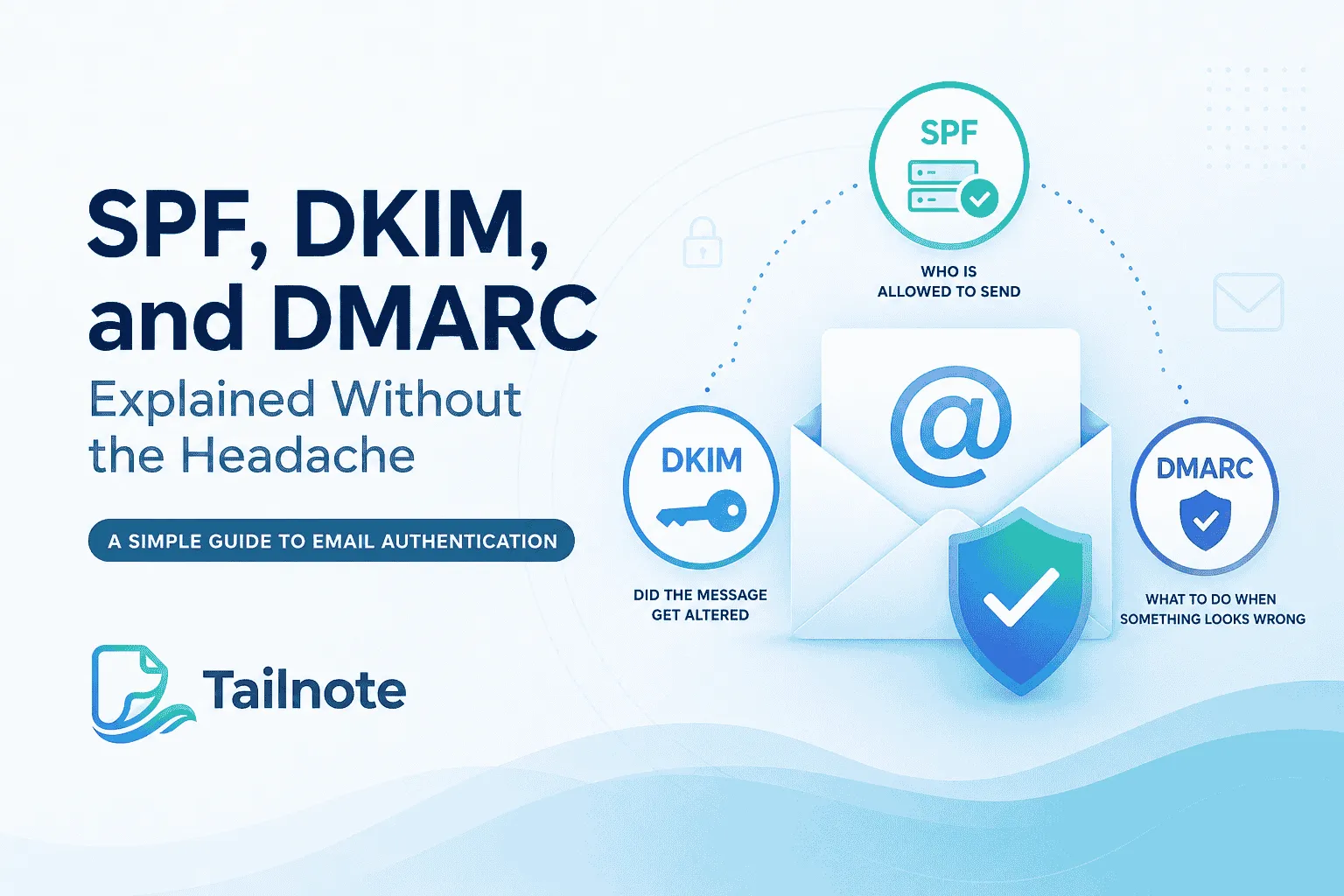
SPF: who is allowed to send
SPF stands for Sender Policy Framework.
The easiest way to think about SPF is as a guest list. You are telling inbox providers which mail servers are allowed to send email on behalf of your domain.
So if your company sends mail through Google Workspace, Brevo, Mailchimp, or another platform, SPF is how you say, "yes, those services are allowed to send for us."
If a server is not on that list, that is a problem.
SPF is only doing one job: checking whether the sending server is authorized. That is it.
DKIM: did the message get altered
DKIM stands for DomainKeys Identified Mail.
This one works more like a digital seal. When an email is sent, it gets a cryptographic signature that the recipient can verify. If the message is changed after it leaves your system, that signature breaks.
That means DKIM helps prove two things: the message really came from your domain, and the content was not tampered with in transit.
If SPF is the guest list, DKIM is the sealed envelope.
DMARC: what to do when something looks wrong
DMARC stands for Domain-based Message Authentication, Reporting, and Conformance.
This is the policy layer. DMARC tells receiving servers what to do if SPF or DKIM fails.
In plain English, you are saying: if the email checks out, deliver it. If it does not, handle it according to the policy I set.
That policy can be fairly relaxed at first, or it can be strict. DMARC can tell servers to monitor failures, send suspicious mail to spam, or reject it completely.
So while SPF and DKIM are the checks, DMARC is the decision-maker.
One thing that surprises people is that a DMARC failure does not automatically mean an email gets blocked. Many domains start with a policy of "none," which tells inbox providers to collect reports but continue delivering mail. That is why you can sometimes see authentication failures in reports while emails still arrive successfully.
Why all three matter together
These records are not interchangeable. They work as a system.
SPF tells the world who may send. DKIM proves the message is authentic. DMARC tells inbox providers what to do when something fails.
You can have SPF without DKIM, but that is incomplete. You can have DKIM without SPF, same issue. And DMARC without a solid SPF and DKIM setup will not get you very far.
When all three are in place, inbox providers have a much better reason to trust your mail. That can improve deliverability and reduce the odds of your messages looking suspicious.
The piece most people miss: alignment
This is where DMARC gets a little more interesting.
An email can technically pass SPF or pass DKIM and still fail DMARC.
That is because DMARC is not only checking whether an email was authenticated. It is also checking whether the authenticated domain matches the domain people actually see in the From address.
For example, a message might be signed by one domain but claim to be from another. Even if the signature itself is valid, DMARC can still flag that mismatch.
This is one of the reasons DMARC is so effective at preventing spoofing and impersonation attacks.
Why small teams should care
A lot of smaller teams assume email authentication is only a concern for big companies or IT departments. It is not.
If you send newsletters, transactional email, support emails, or even regular outbound email from your domain, these records matter.
Without them, your messages can end up in spam, get flagged as suspicious, or become easier to spoof. That is a rough trade for something that usually takes a bit of setup and then mostly runs in the background.
The simplest way to remember it
If you only remember one thing, remember this:
SPF says who can send.
DKIM proves the message is intact.
DMARC tells receiving servers what to do when something fails.
That is the whole system in one line.
What a good setup usually looks like
For most businesses, the goal is not to memorize every technical detail. The goal is to get the basics right and avoid breaking legitimate mail.
A sensible setup usually looks like this:
You authorize the correct services in SPF.
You turn on DKIM for every sending platform.
You start DMARC in monitoring mode first.
Then, once you know legitimate mail is passing, you move DMARC toward quarantine or reject.
That last step matters. If you enforce DMARC too early, you can accidentally block real email. But if you leave DMARC in monitoring mode forever, you are missing most of the protection it was designed to provide.
DMARC reports are worth paying attention to
One of the most useful parts of DMARC is something most businesses never look at: reporting.
DMARC can send reports that show which systems are sending email on behalf of your domain and whether those messages are passing authentication checks.
Those reports are not exactly fun to read, but they can reveal forgotten tools, misconfigured services, or even unauthorized senders pretending to be your company.
For many businesses, DMARC reporting is the fastest way to understand what is actually happening across all of their outbound email.
Common mistakes
A few mistakes come up over and over.
One is publishing multiple SPF records instead of one. Another is forgetting to include every tool that sends email on your behalf. DKIM sometimes gets missed on one platform, which creates a weak spot. DMARC also gets left on "none" forever, which means it exists but does not really protect anything.
The biggest mistake, though, is assuming everything is fine because one test email arrived.
"Sent successfully" is not the same thing as "fully authenticated."
Why this is worth doing
If email is part of how your business sells, supports, or communicates, trust matters. Authentication helps inboxes trust your emails. A professional email signature helps people trust the person sending them.
SPF, DKIM, and DMARC do not make your emails brilliant on their own. But they do help make sure your messages look legitimate to inbox providers.
That matters more than most people think. Because if the inbox does not trust you, nobody sees the rest of your work.
The real takeaway
You do not need to become an email engineer.
You just need a basic grasp of what each piece does, and a setup that is correct enough to keep your domain protected.
SPF tells the world who may send.
DKIM proves the message is authentic.
DMARC tells receiving servers what to do when something fails.
If those three are set up properly, you have a much better foundation for sending from your domain.
And if they are not, you are leaving deliverability, trust, and brand safety to chance.
Newsletter
Email branding tips for small teams
Signature best practices, deliverability guides, and product updates — no spam.
This site is protected by reCAPTCHA and the Google Privacy Policy and Terms of Service apply.

Tailnote Team
Email branding & deliverability
Practical guides on email signatures, deliverability, and branded outbound email for solo founders and small teams.
Related reading
More guides on email signatures, deliverability, and team branding.
How To Get Your Logo To Show Up In Your Recipient's Inbox
Brand Indicators for Message Identification (BIMI) is not just a technical specification; it is a strategic advantage in email marketing. By allowing logos to appear alongside emails, BIMI enhances brand visibility and credibility. This is...
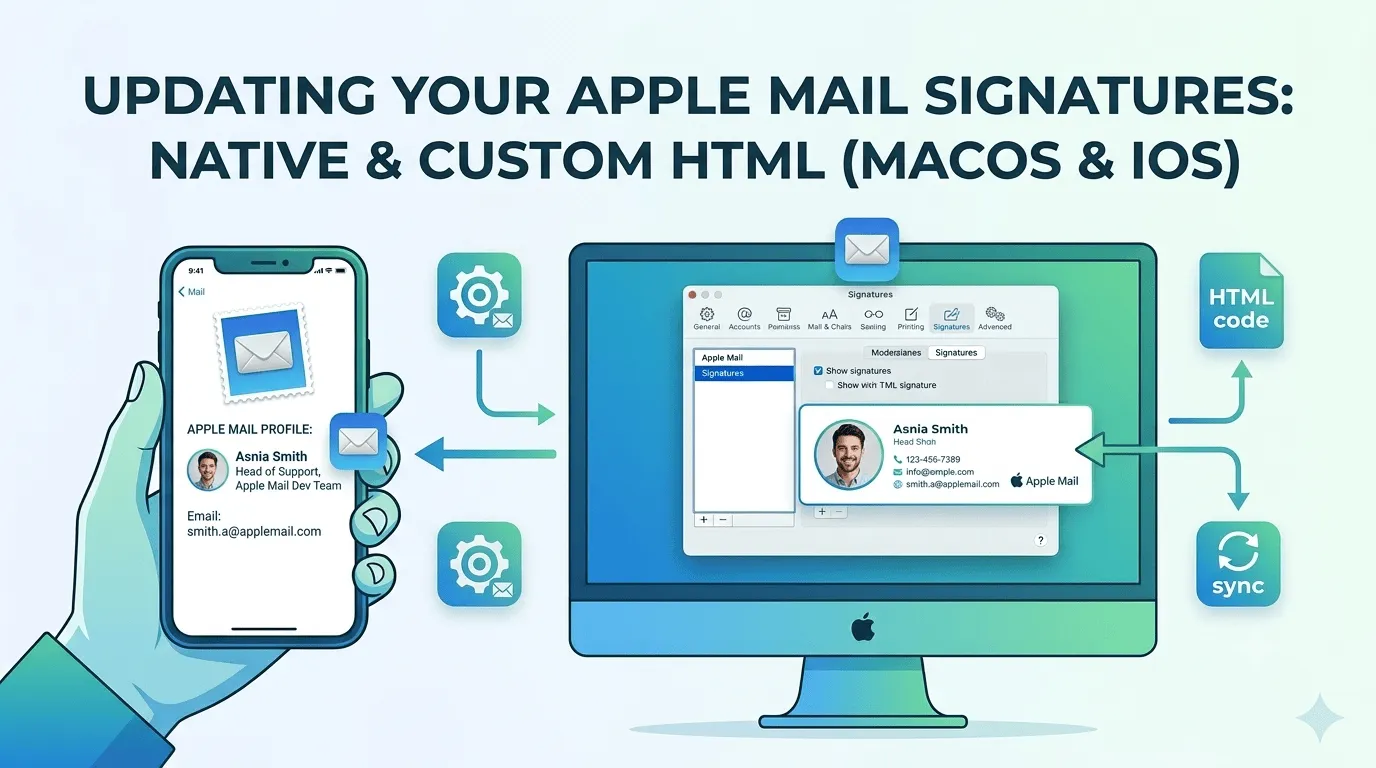
How To Setup A Custom Email Signature In Apple Mail
Updating your email signature is simple in some email clients and more difficult in others. Apple Mail is one that's on the more difficult side, especially if you want to implement a custom HTML signature. This article gives you step-by-step...
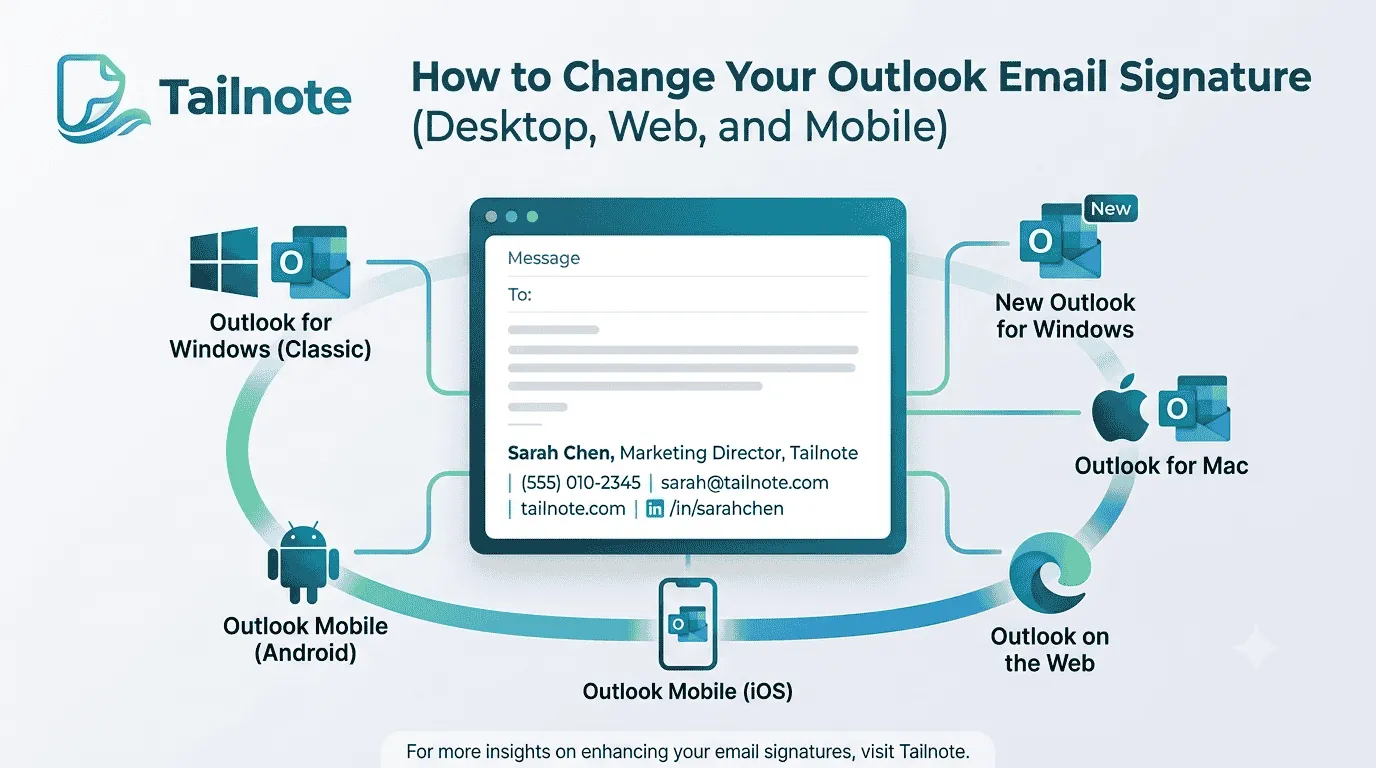
How to Change Your Email Signature in Outlook (Desktop, Web, and Mobile)
Whether you are updating your phone number, adding a new job title, or creating a more professional signature for your business, knowing how to change your Outlook email signature is an important skill.